






- Players
- 1 player
- Difficulty
- Easy
- Skills
- Creativity
- Category
- Arcade
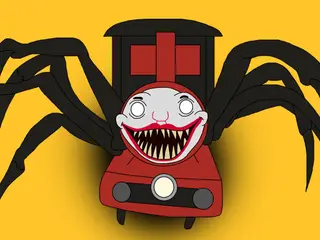
Digital Circus Click and Paint is a simple colouring game. You pick a colour and click a part of a cartoon line drawing to fill it in. There is no timer or score, so you can take your time and choose any colours you like.
How to play
Click Play on the title screen to open a picture. Choose a colour from the palette on the left, then click an area of the drawing to fill it with that colour. The background around the character can be filled too.
Use the eraser if you change your mind. The buttons at the top take you back to the menu, reset the picture and turn the sound on or off. When you are happy with your picture, the Take Screenshot button on the right lets you save it.
Controls
- Mouse: pick a colour and click an area to fill it
- Eraser: click to remove colour
- Top buttons: home, restart picture, sound on/off
- Take Screenshot button: save your finished picture
Tips
- Fill the large areas first, then pick out the small details like eyes and buttons.
- Try colouring the background in a colour that contrasts with the character so it stands out.
- Use the restart button if you want to try a completely different colour scheme.
- Pick a language with the flags on the title screen before you start.
Who it's for
Suits younger children and anyone who enjoys relaxed colouring. It is very easy, with nothing to lose and no time limit.
More Arcade games.